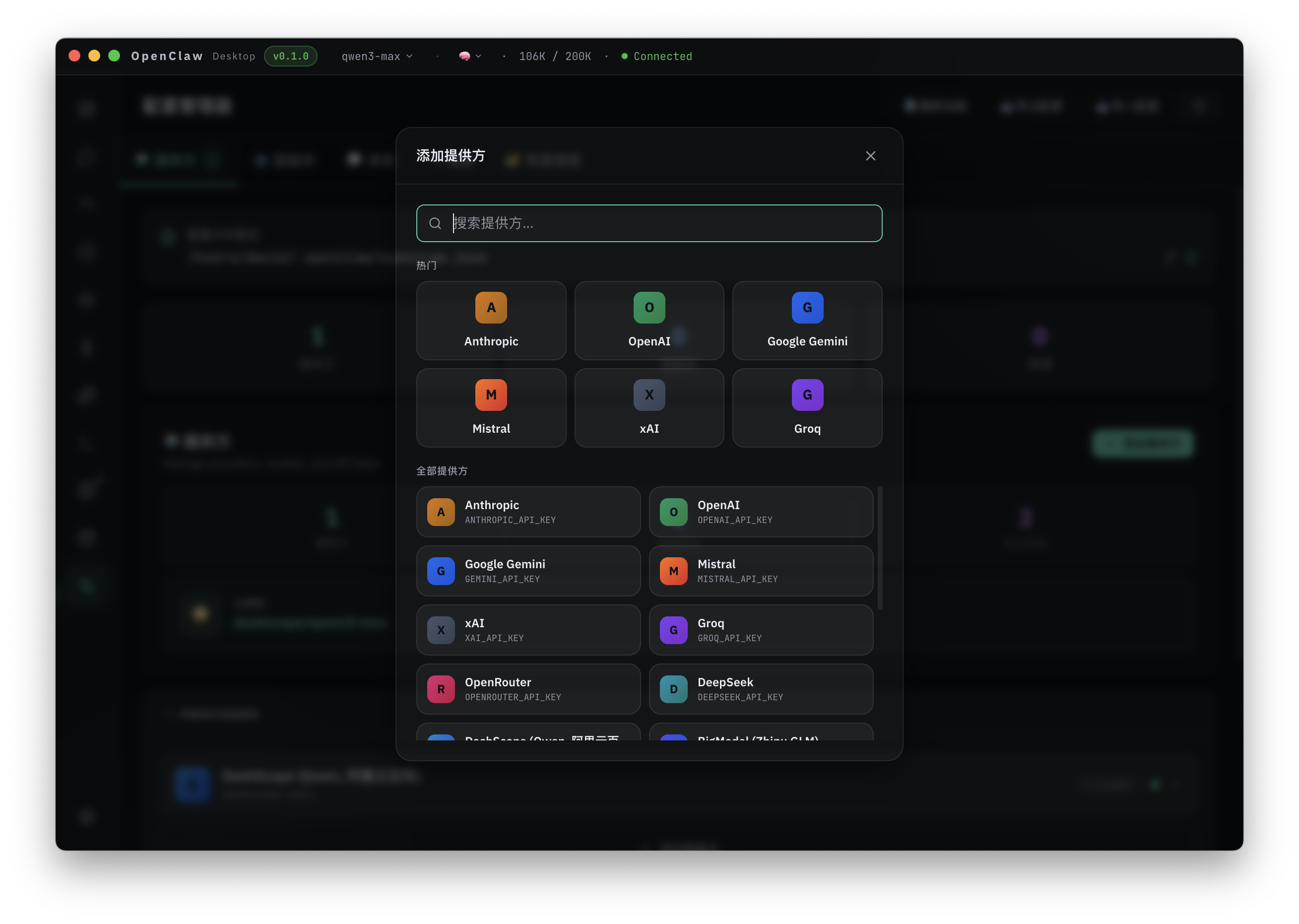
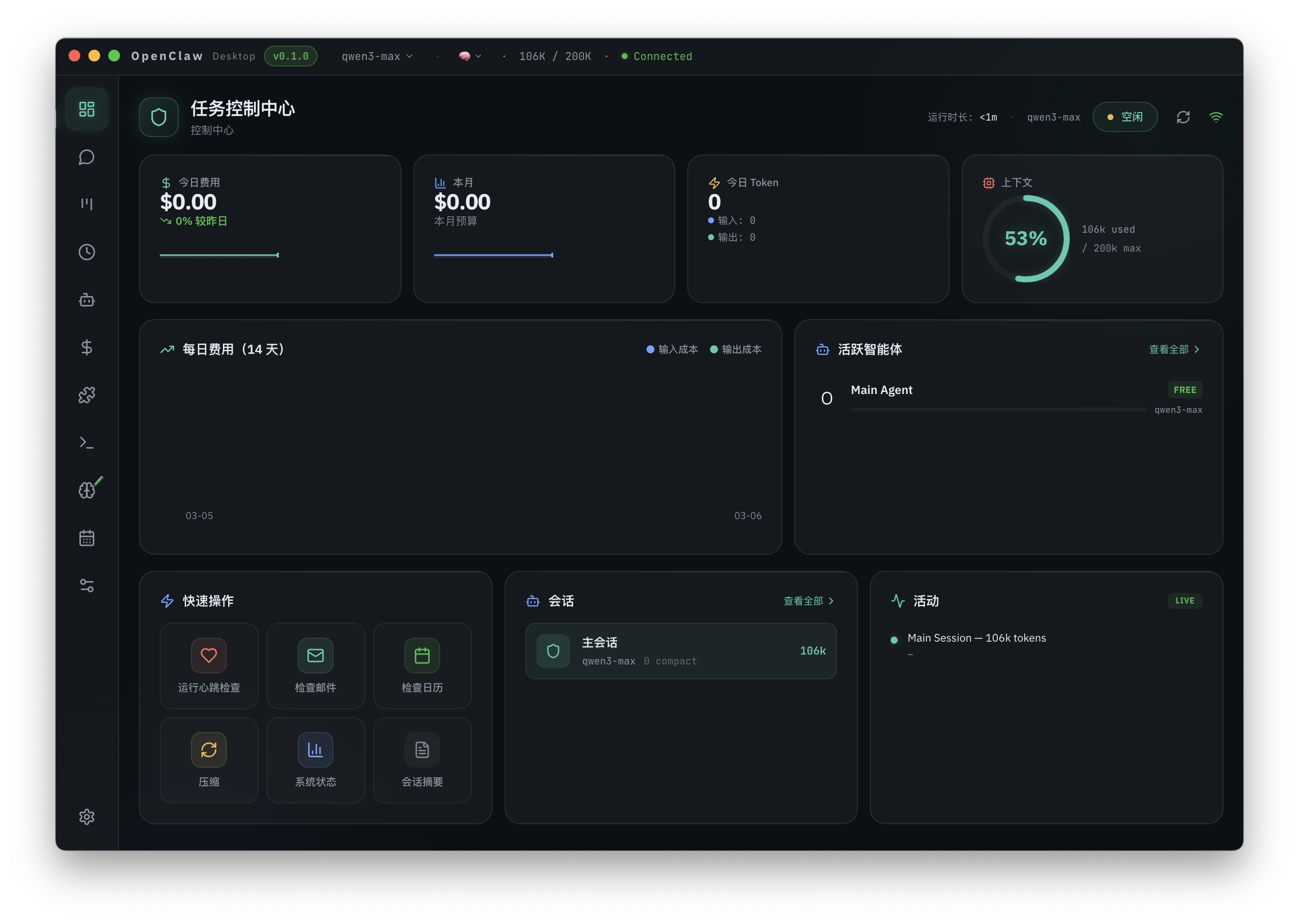
Download OpenClaw Desktop
macOS / Windows installers.
macOS
macOS 11+ (Intel / Apple Silicon).
Windows
Windows 10/11.
How it works
Install → onboard → run tasks.
1) Download and install
Pick macOS or Windows and install the app.
2) Finish onboarding
Follow the guided setup and connect what you need.
3) Start using
Chat, check status, and run tasks in the desktop app.
Built for desktop onboarding
Install and use instantly.
One-click start
No Node.js. No CLI.
Desktop frontend
Chat + status + tasks in one UI.
Auto updates
Checks for updates on launch.
Tray mode
Keeps running in the background.
FAQ
Do I need an API key?
Depends on your model provider and configuration.
Does it upload my data?
Local-first. Third-party connections follow their own network behavior.
Which chat channels are supported?
WhatsApp / Telegram / Discord / Slack, expanding over time.